Set up your account
Create a customer account first. The seller application is available from the “Sell on KjøpNå” link after you log in.
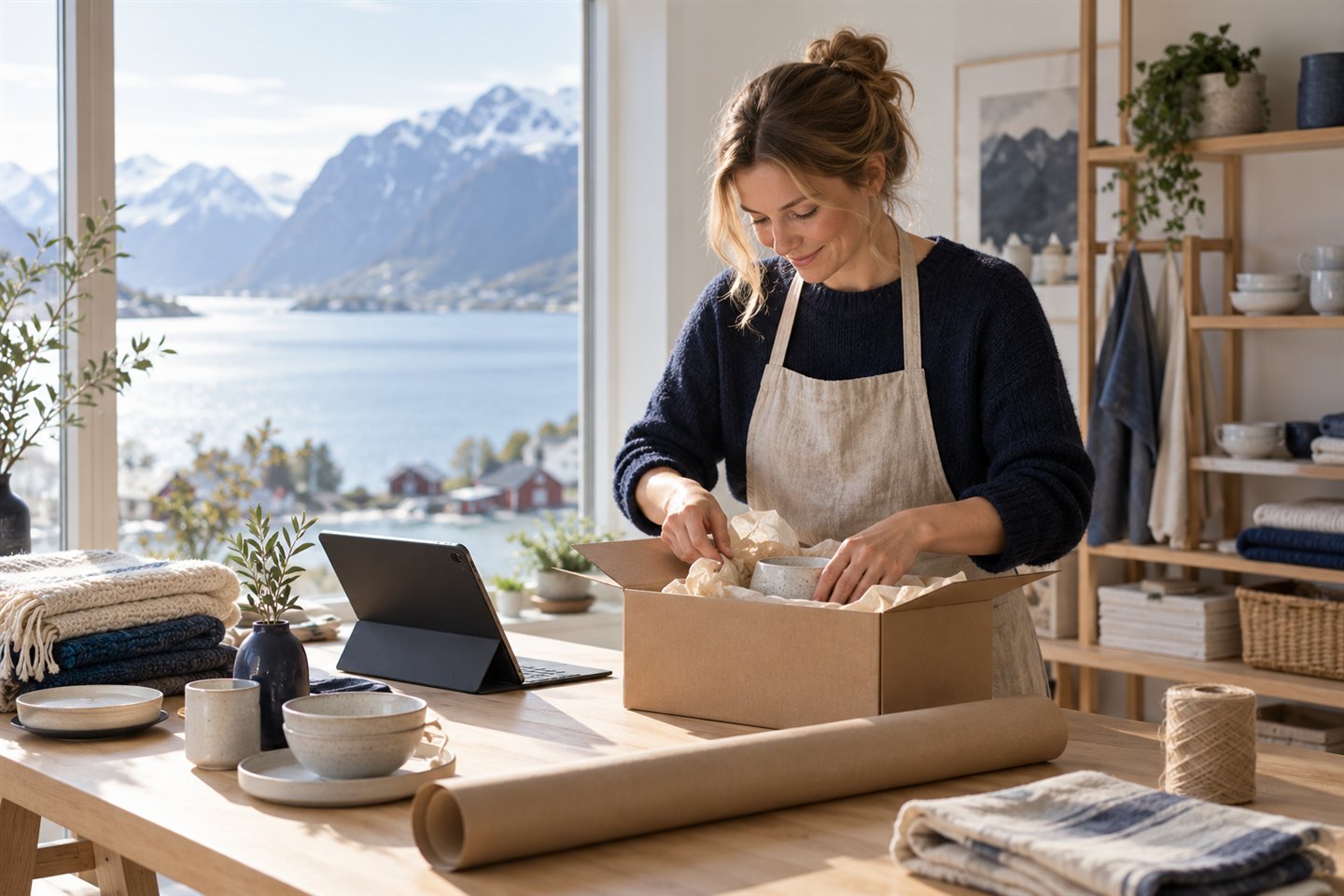
List your products on a Norwegian marketplace where shoppers can explore participating stores. You provide product information, prices, availability and terms for your listings.
Already have a KjøpNå account? Log in and choose “Sell on KjøpNå” in the top bar to start your application.
Create a customer account first. The seller application is available from the “Sell on KjøpNå” link after you log in.
Provide your store name, store URL and contact phone number, then follow the verification steps in your account.
Add product descriptions, photos, prices and availability. Product listings are reviewed before publication.
The current seller application asks for a company registration certificate and government-issued ID. Seller accounts require verification, and product listings are reviewed before they appear on KjøpNå. Approval is not automatic.